

A small business owner running a skincare studio out of a rented space downtown. For the first two years, she answers every call herself, usually from her personal cell phone, sometimes with wet hands.
One afternoon, a new customer calls asking about a same-day appointment. She’s with someone else and can’t pick up. She calls back that evening, but the customer has already booked elsewhere. One missed call, one lost customer, and a nagging feeling that her phone setup isn’t keeping up with her business anymore.
If that sounds familiar, you’re not alone. Most small businesses start with a personal number, no voicemail worth mentioning, and no real way to route calls once things get busy. This guide walks through which type of phone system for small business actually fits your situation, which features are worth paying for, what tends to drive the cost, and what to check before you commit to a provider.
What Is a Small Business Phone System?

A small business phone system gives your company one main number that customers can reach, no matter who picks up or where that person happens to be working from. Instead of everyone handing out their personal cell, calls come into a shared system that can ring the right person, take a message, or move to voicemail when nobody’s free.
How a modern small business phone system works
Under the hood, it’s fairly simple. Your business gets a dedicated number. Calls come in and follow routing rules you set, straight to you, to a group, or to whoever picks up first. Each team member can have a personal extension. Voicemails can land in an inbox or arrive as a text. You can usually answer from a desk phone, a laptop, or an app on your mobile, depending on what the provider offers.
Why small businesses are moving beyond traditional phone lines
Fewer businesses are tied to one desk in one building anymore. People work from home, from client sites, from a second location across town. A small business phone system built for today doesn’t care where you’re standing; it follows the business, not the address. That flexibility, along with lower setup costs and less dependence on physical hardware, is why so many owners are leaving copper phone lines behind.
Which Type of Phone System Is Right for Your Small Business?
Not every small business phone system solves the same problem. Before comparing individual features, it helps to know which category actually fits how you work.
| Phone System Type | Who It Actually Suits | The Upside | The Catch |
| Traditional landline | You already have the wiring in and don’t want to rip it out | It’s what your team already knows how to use | Doesn’t move with you if the business changes address |
| VoIP | A business that’s adding people and features as it grows | Packed with tools and easy to scale up | Only as good as your internet connection that day |
| Cloud-based system | A team scattered across different cities or homes | Everyone answers from one number, wherever they’re sitting | You’re relying on the provider’s own uptime |
| Virtual number | One person, or a small team just starting out | Up and running in minutes, nothing complicated | Skips most of the advanced call-handling tools |
For solo business owners
If you’re a freelancer, consultant, or running things from home, you probably don’t need extensions or call queues yet. A virtual number that rings your existing phone, backed by a proper voicemail and a separate business caller ID, is often enough. It gives you a professional front without adding complexity you don’t need at this stage.
For small teams
Once two or more people are answering calls, a shared number with individual extensions starts to matter. A call can ring one person, then move to another if there’s no answer. Voicemail stays organized by person instead of piling into one inbox nobody checks.
For remote and hybrid businesses
If your team isn’t sitting in one office, a cloud phone system for small business is usually the better fit. Everyone can answer from a laptop or a mobile app using the same business number, whether they’re at a desk or on the road. Customers never know, or need to know, where the call was actually picked up.
For businesses planning to grow
If you’re hiring, opening a second location, or expecting to double your team next year, choose a system that lets you add users without switching providers. This is where a lot of small businesses get stuck later, not because the system stops working, but because it can’t grow with them. Switching providers mid-growth usually means re-training staff, updating your printed materials, and explaining a new number to existing customers. All things you can avoid by picking a system with room to expand from the start.
Features That Actually Matter
Providers love to list dozens of features. Most small businesses only need a handful of them to actually run smoothly. Here’s what’s worth paying attention to, and why.
- Call routing and ring groups. This decides what happens when a call comes in, who it rings first, and what happens if nobody answers. For a two-person team, this alone can stop calls from slipping through.
- Auto-attendant. That’s the “press 1 for sales, press 2 for support” greeting. It sounds corporate, but even a simple one-line message makes a one-person business sound like it has its act together.
- Voicemail-to-email or text. Nobody wants to dial into a voicemail box anymore. Getting a transcript or audio file sent straight to your inbox means you can act on a message in seconds instead of hours.
- Mobile app access. If you or your team ever leave the desk, and most small businesses do, this one isn’t optional. It lets you make and take business calls from your personal phone without ever handing out your personal number.
- Business hours settings. You can set the system to send calls straight to voicemail, or to an after-hours message, once you close for the day. It’s a small thing, but it saves you from fielding a work call during dinner.
- Call recording. Useful if you’re training staff, resolving a customer dispute, or just want a record of what was agreed on a call. Not every business needs this on day one, but for sales and service teams, it earns its keep.
- Local or region-specific numbers. If you serve customers in more than one country, having a local number for each region can make you look established there, even if your team is answering from somewhere else entirely.
- Basic call analytics. You don’t need a full dashboard on day one, but knowing how many calls you’re missing, and at what time of day, is often enough to tell you whether you need another person answering the phone or just a smarter routing rule.
What you probably don’t need right away: elaborate call center analytics, multi-level phone menus, or a dozen integrations you’ll never open. Add those later, once you actually know you’ll use them.
What Affects the Cost of a Small Business Phone System
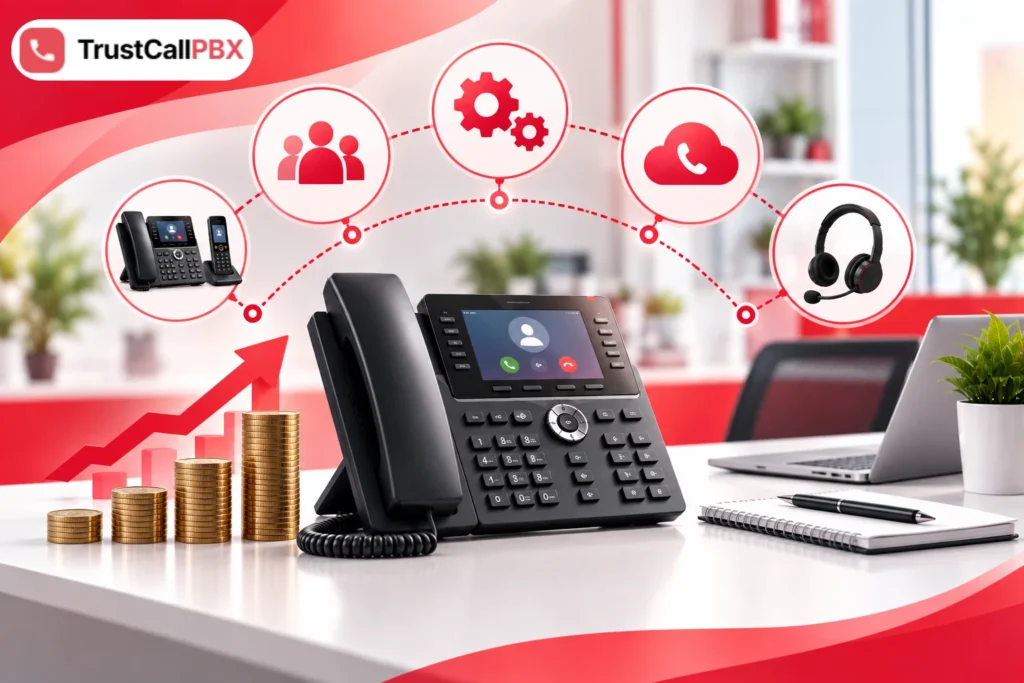
Pricing for small business VoIP and cloud systems usually comes down to a handful of factors.
- Number of users. Most providers charge per line or per user each month. A solo business pays far less than a ten-person team, so price the plan for your actual headcount, not a rough guess.
- Feature tier. Basic call handling costs less than plans bundled with call recording, analytics, or CRM integration. Check what’s actually included before comparing prices across providers; a cheap plan missing voicemail-to-email isn’t really the cheaper option.
- Calling minutes and international calls. If you regularly call or hear from customers outside your own country, check whether international minutes are included or billed on top. This adds up fast for businesses serving customers abroad.
- Hardware. You can usually run a cloud phone system for small business on your existing laptop or mobile, which keeps upfront costs down. Desk phones and headsets, if you want them, are typically an added expense.
- Setup and contract length. Month-to-month plans cost a little more per user but give you room to switch if something isn’t working. Annual contracts are usually cheaper overall but lock you in for the term.
It’s also worth asking what isn’t in the advertised price. Some providers charge extra for call recording storage, additional local numbers, or support beyond email. None of these are dealbreakers on their own, but they can turn a plan that looked cheap into one that isn’t, once you’re a few months in.
What to Check Before Choosing a Provider
Once you’ve narrowed things down to a provider or two, a short list of direct questions can save you months of frustration later.
• Can you keep your current business number, or will you need a new one?
• What happens if the internet goes down? Does the system fail over to a mobile line?
• How responsive is their support team, and is it available when you actually need it?
• Can you add or remove users easily as your team changes size?
• Does the plan support the countries or regions your customers call from?
• Is there a trial period, or can you cancel without a long notice period?
None of these questions are complicated, but skipping them is how small businesses end up stuck with a system that doesn’t fit six months down the line.
FAQs:
Do I really need VoIP, or is a traditional line fine?
If your team never moves and you’re happy paying for hardware you rarely touch, a traditional line can still do the job. But the moment someone works from home, or you want to answer calls from your phone instead of a desk, VoIP starts making a lot more sense.
How much should I expect to pay each month?
It depends far more on how many people are answering calls than anything else. A solo owner is usually looking at a fairly small monthly fee, while a team of five or six will pay noticeably more once everyone has their own line and extension.
Can I keep the number I already have?
In most cases, yes. Providers can usually port your existing number over, though it’s worth confirming this before you sign up rather than assuming it’s automatic.
Will this actually work for someone on my team who’s fully remote?
Yes, as long as they have a decent internet connection. A cloud or VoIP setup lets them answer from a laptop or an app, using the business number, from wherever they happen to be.
Is using my personal mobile number for the business really a problem?
Not at first. But it gets messy once you’re fielding work calls at odd hours, or once a second person needs to help answer, and there’s no shared way to do that.
What if my business grows a lot next year?
Pick a system that lets you add users on the fly rather than one built for a fixed team size. Most cloud and VoIP providers handle this without much fuss; it’s traditional setups that tend to struggle.
Making the Right Choice for Your Business
There’s no single “best” small business phone system, only the one that matches how you actually work. A solo consultant needs something different from a five-person customer service team, and a startup planning to hire needs room to expand that a one-person shop doesn’t.
What matters most is picking a system built around the features you’ll actually use, priced in a way that makes sense for your size today, and flexible enough to grow when you do. Skip the features you won’t touch this year, pay attention to what’s genuinely missing from a cheap plan, and ask the provider the questions above before you sign anything.
TrustCall PBX is built with exactly that range in mind, from solo owners who just need a professional number and a proper voicemail, to growing teams that need routing, extensions, and room to scale into new markets.
Your business may be small right now. Your phone system doesn’t have to hold it back.